

Mail Configuration
Set up email notifications for alerts, reports, and system notifications.Overview
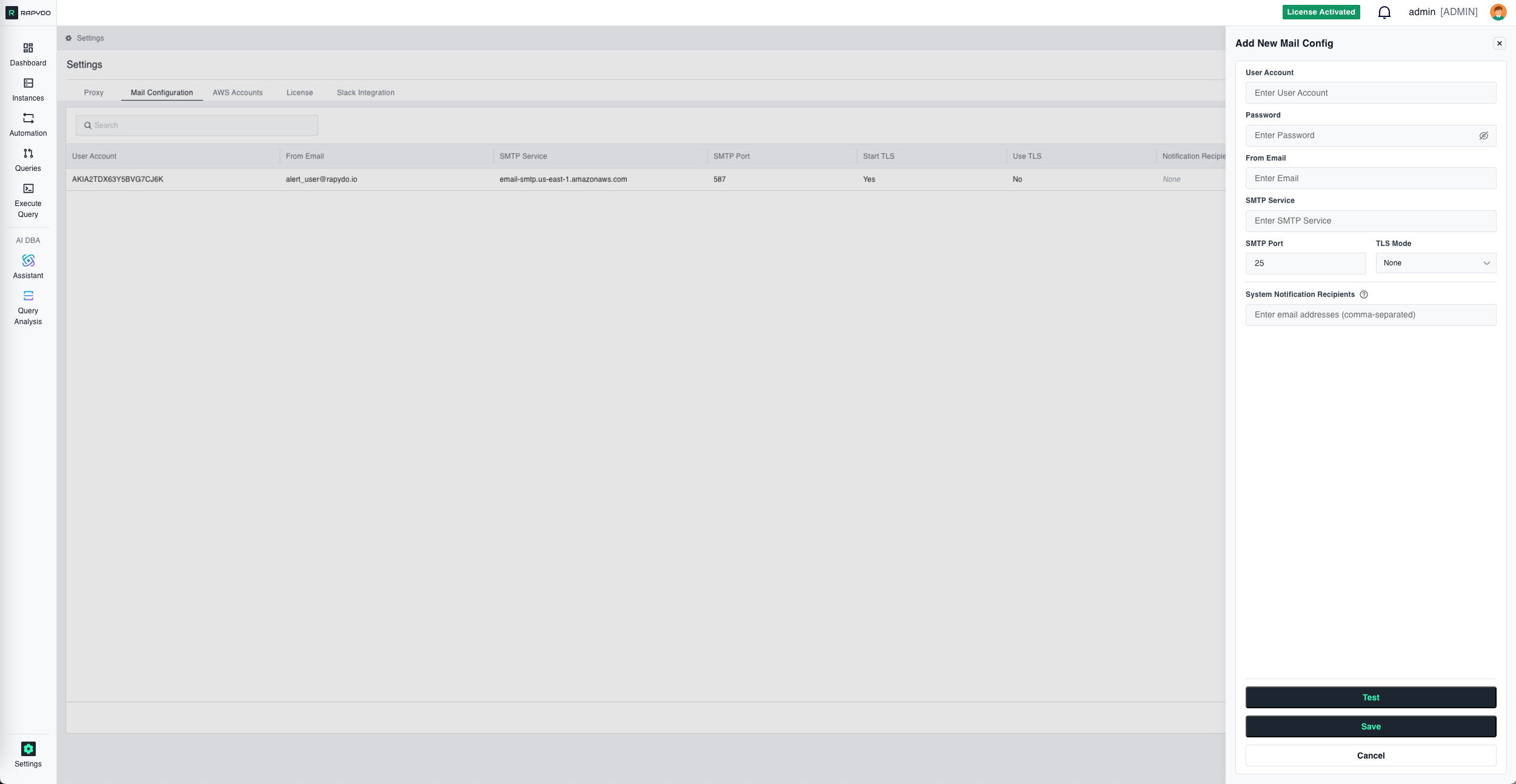
Adding a Mail Configuration
Configuration Fields
string
required
SMTP username or AWS SES access key ID.
string
required
SMTP password or AWS SES secret access key.
string
required
The sender email address that will appear on outgoing notifications.
string
required
SMTP server hostname. For AWS SES, use the regional endpoint (e.g.,
email-smtp.us-east-1.amazonaws.com).number
required
Server port number. Common values:
- Port 25 — Default SMTP (often blocked)
- Port 587 — SMTP with STARTTLS (recommended)
- Port 465 — SMTP over SSL
string
Select the encryption mode:
- None — No encryption
- Start TLS — Upgrade to TLS after connecting
- Use TLS — TLS from the start
string
Comma-separated list of email addresses that will receive system notifications.
Actions
- Test — Send a test email to verify the configuration works
- Save — Add the mail configuration
- Cancel — Discard changes and close the form
Managing Mail Configurations
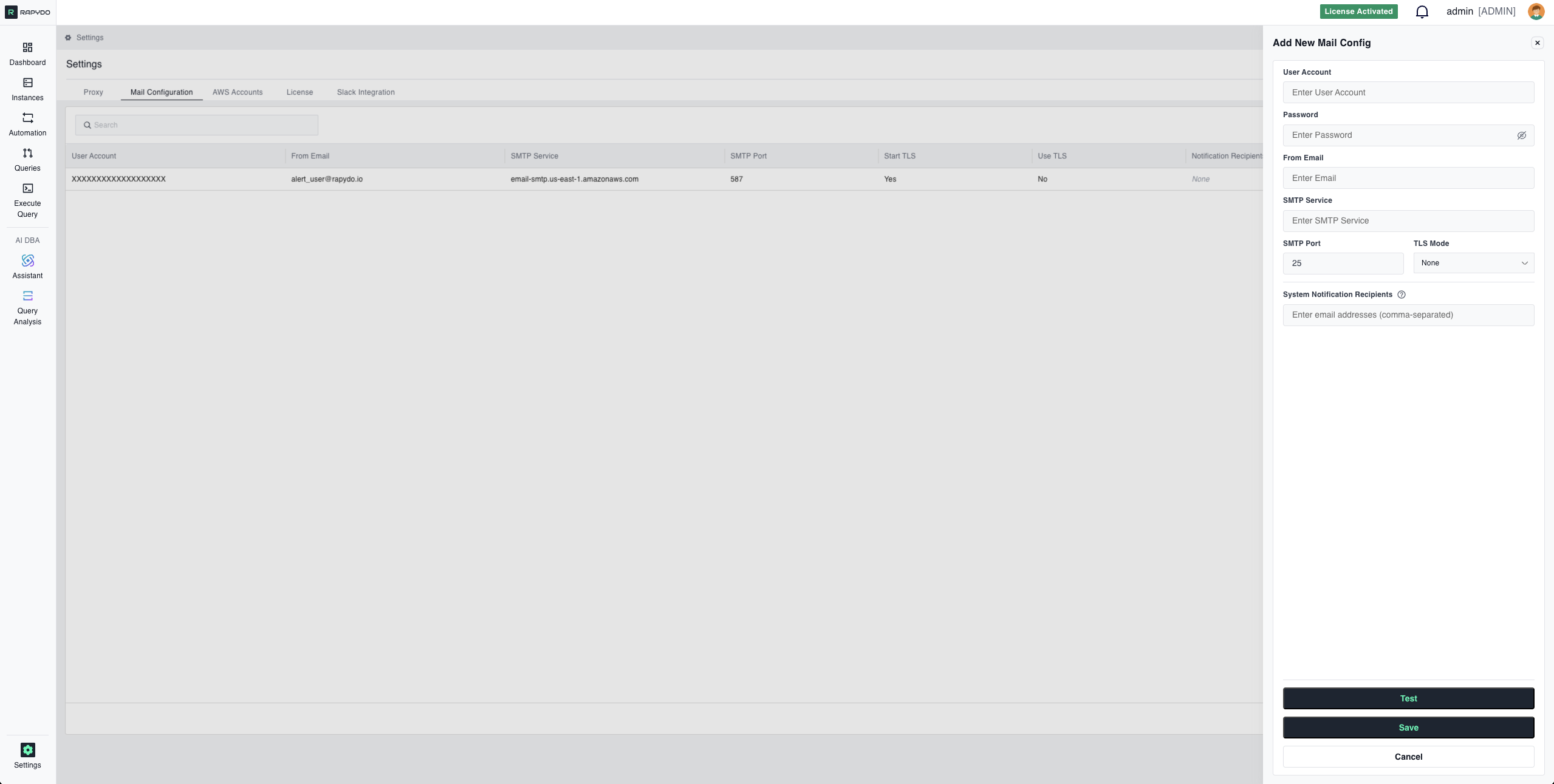
The mail configuration list displays all configured SMTP settings with key details:
Use the action menu (⋮) on each row to edit or delete existing configurations.
Table Settings — Customize which columns are displayed in the list.