

License
View and manage your Rapydo license.Overview
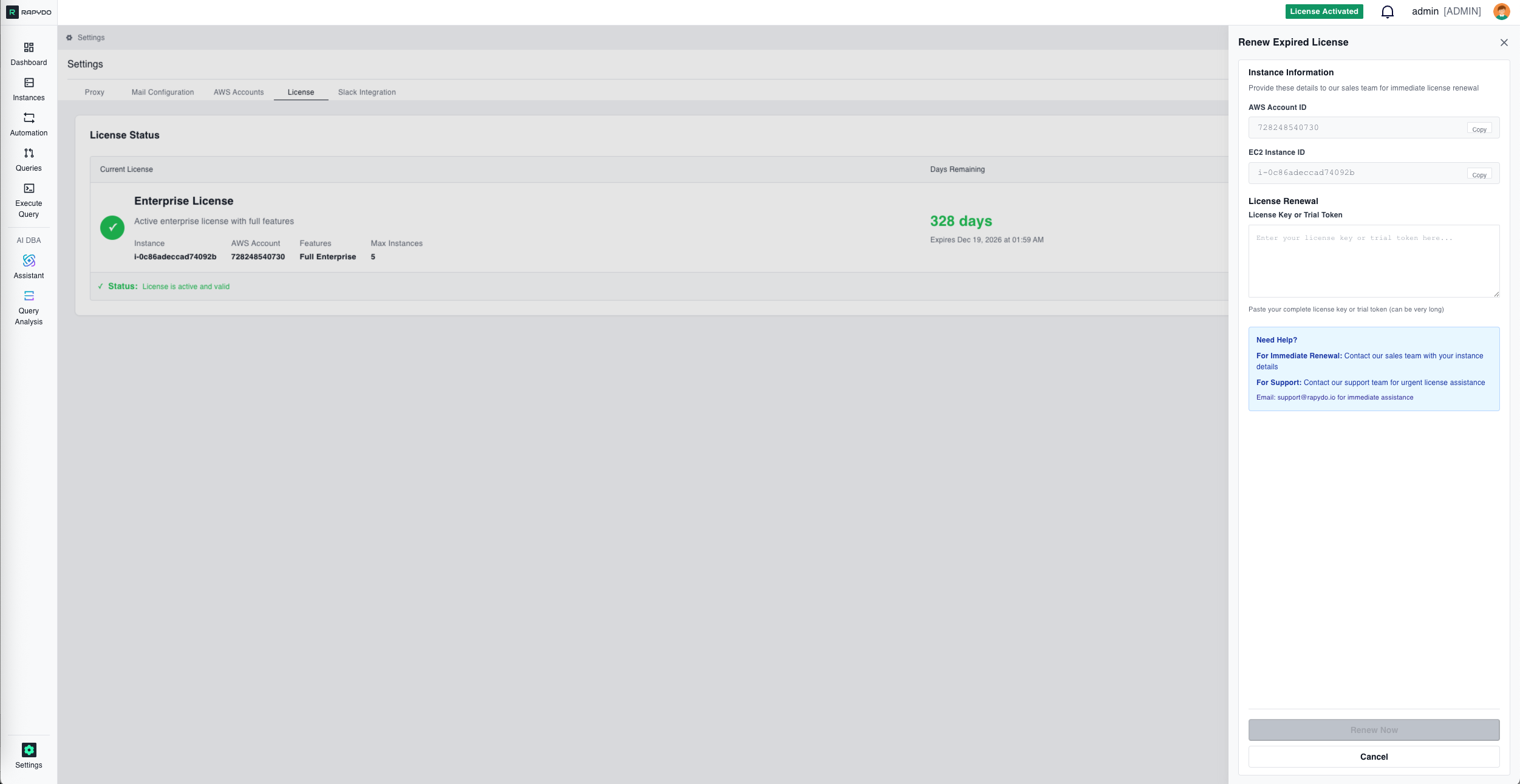
License Status
The License Status section displays a table with three columns:License Renewal
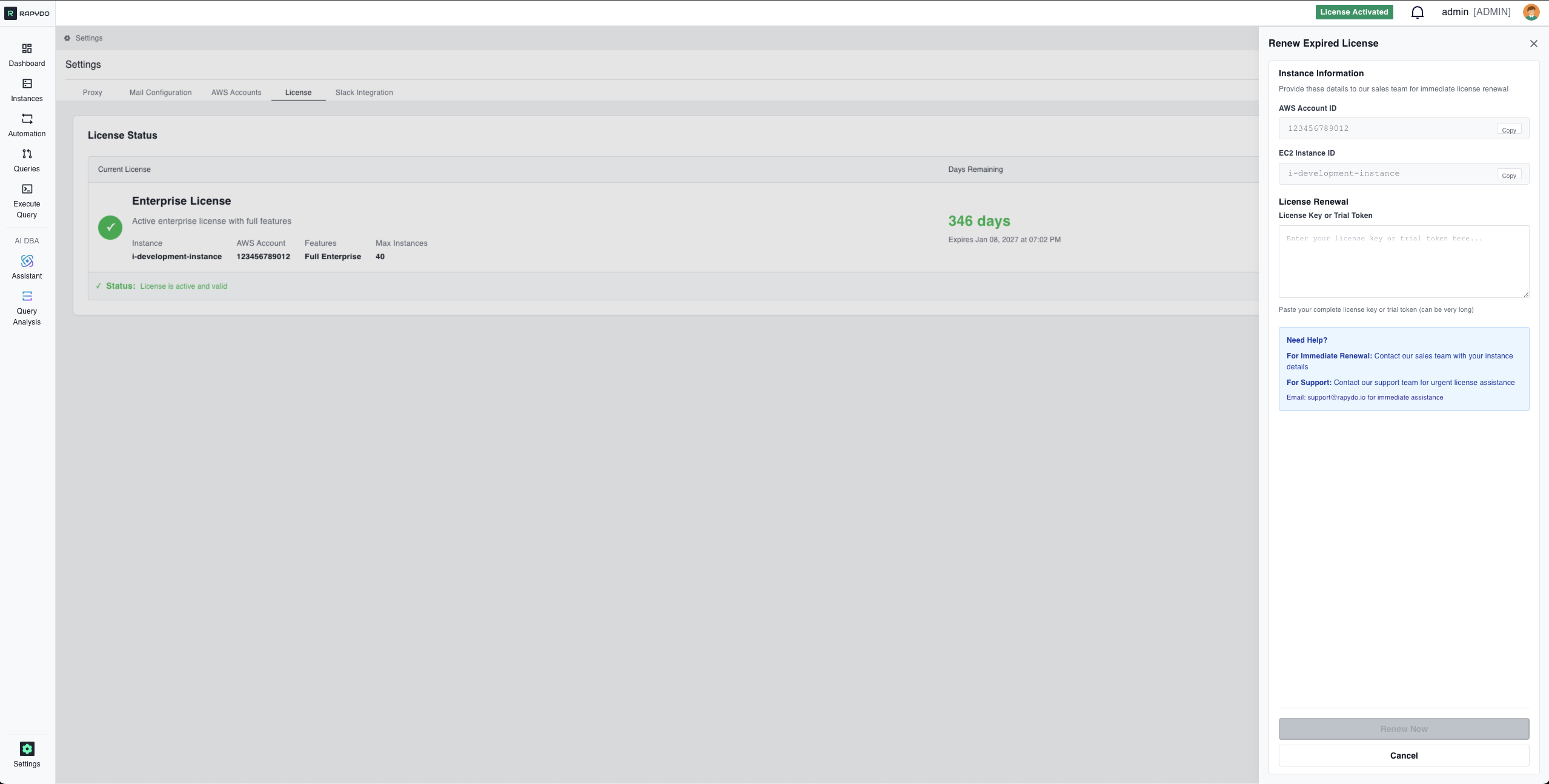
Instance Information
The renewal form displays your instance details for easy reference when contacting sales:string
Your 12-digit AWS account number. Click Copy to copy it to your clipboard.
string
The instance ID tied to your license. Click Copy to copy it to your clipboard.
Provide these details to the sales team when requesting a license renewal.
Applying a License
string
required
Paste your complete license key or trial token in the text area. License keys can be very long.
Getting Help
Sales Team
For immediate renewal, contact the sales team with your instance details (AWS Account ID and EC2 Instance ID).
Support
For urgent license assistance, email support@rapydo.io